Writer tools / free download
Free Scrivener Themes for Windows and Mac
68 finished Scrivener 3 themes for writers, novelists, and screenwriters. Download .scrtheme files for Windows or .stheme files for Mac. Import, restart, write.
 SillyGosling
Writer tools / free download
68 finished Scrivener 3 themes for writers, novelists, and screenwriters. Download .scrtheme files for Windows or .stheme files for Mac. Import, restart, write.
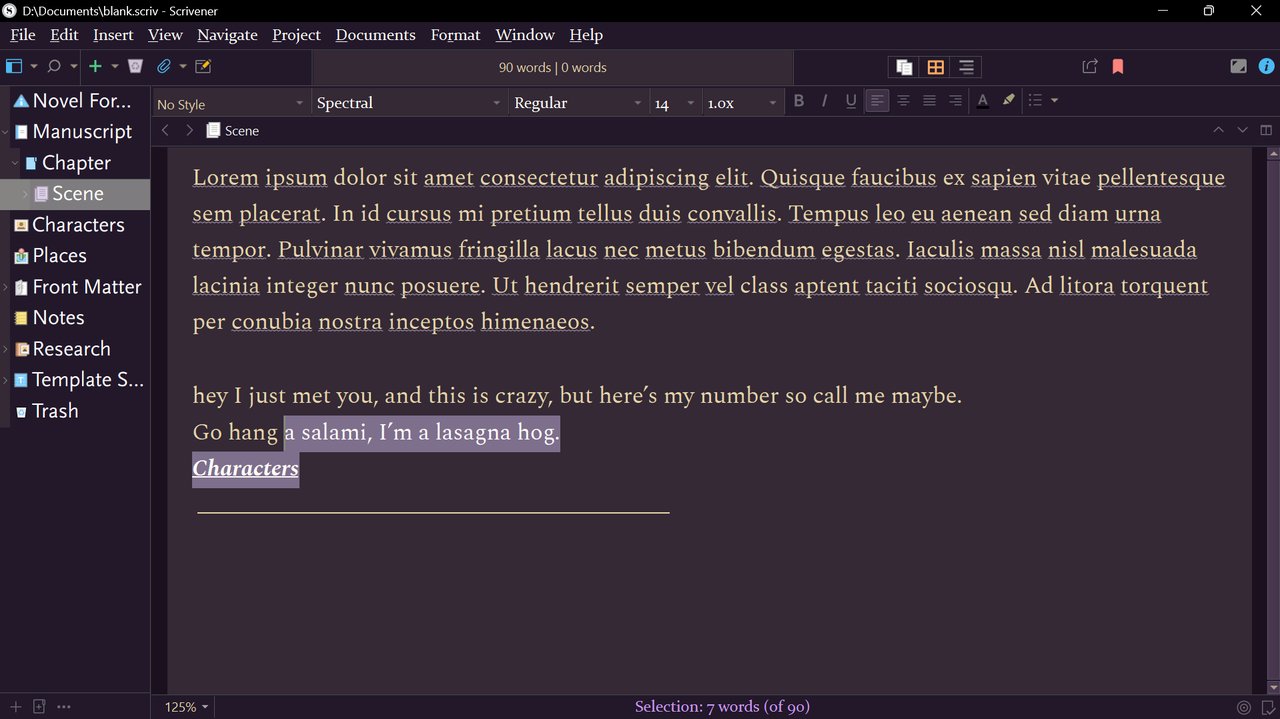
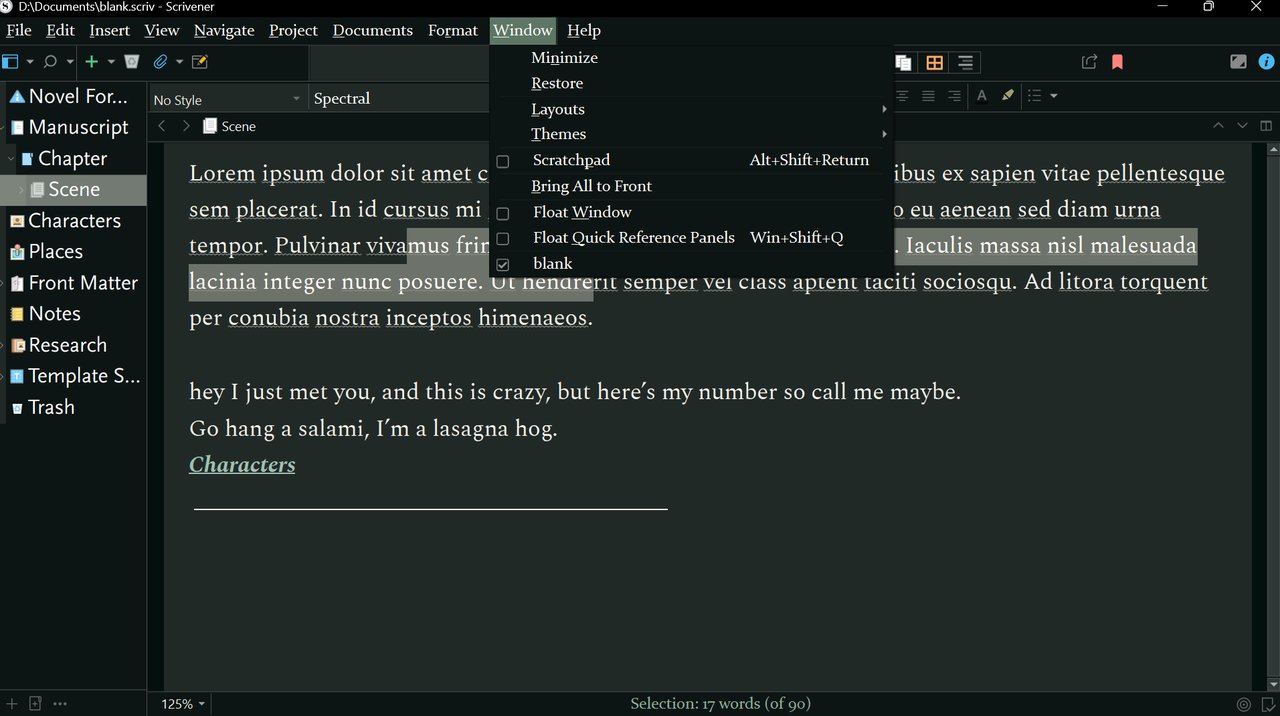
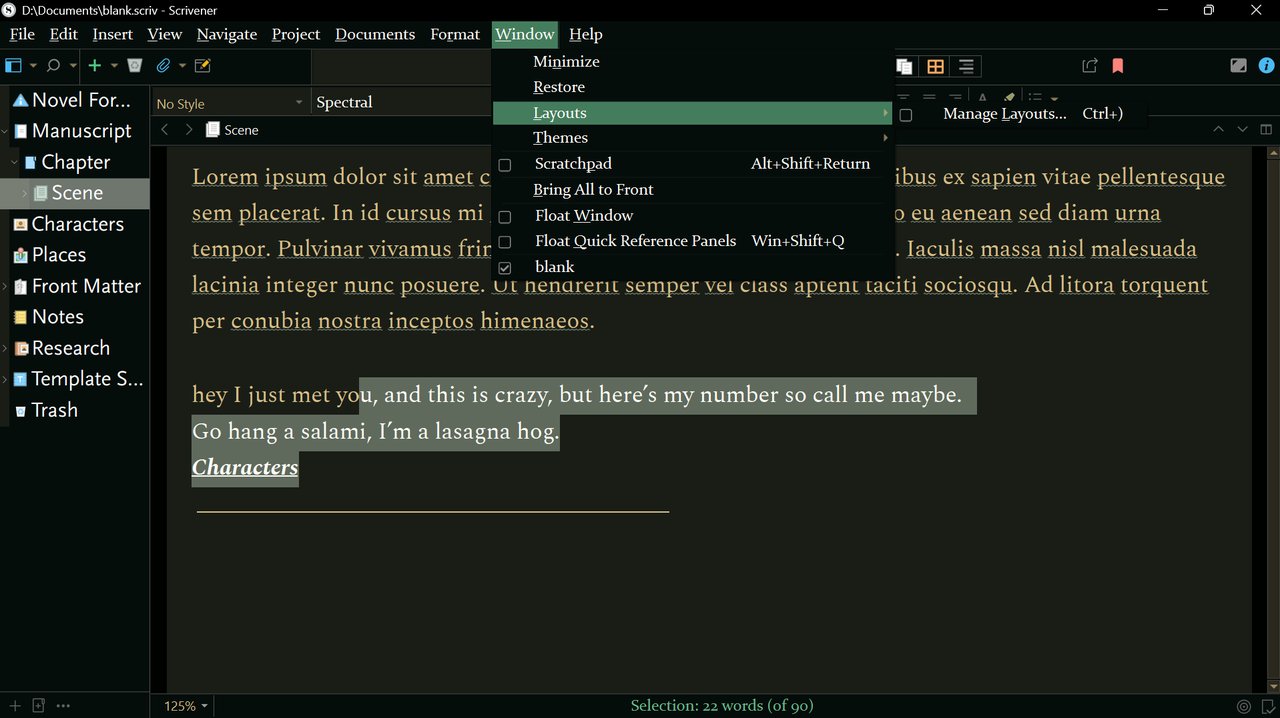
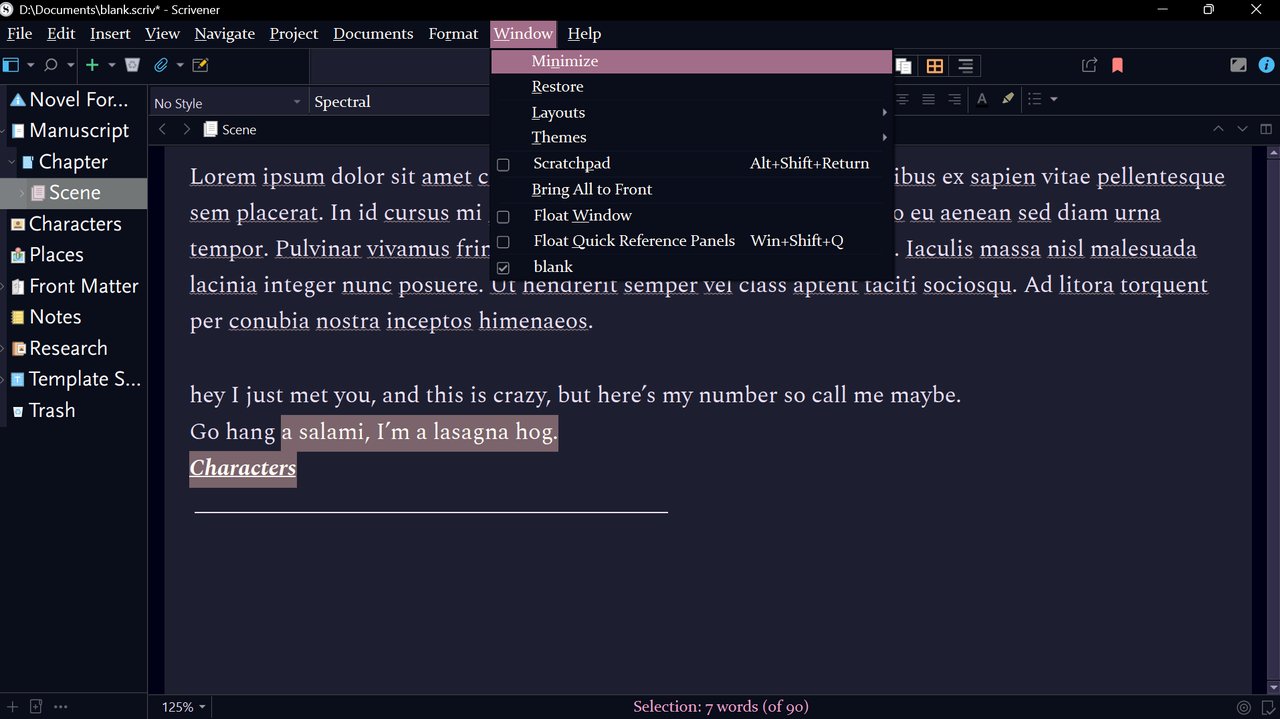
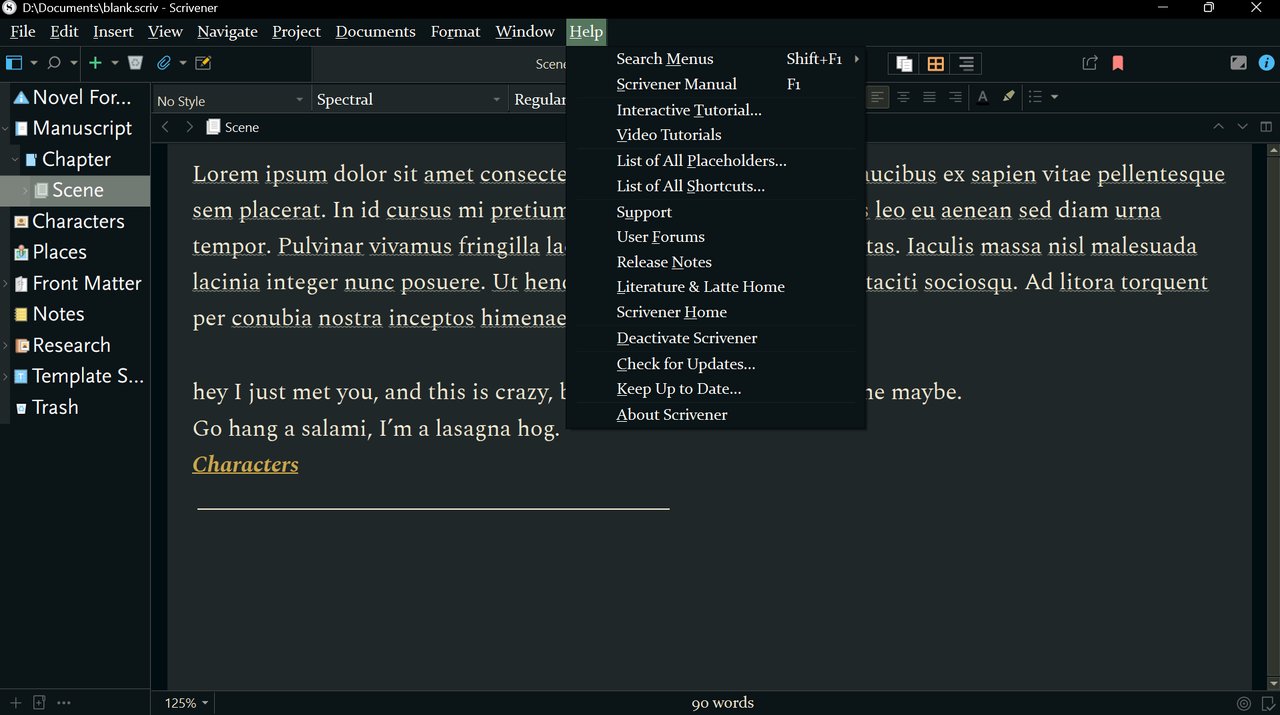
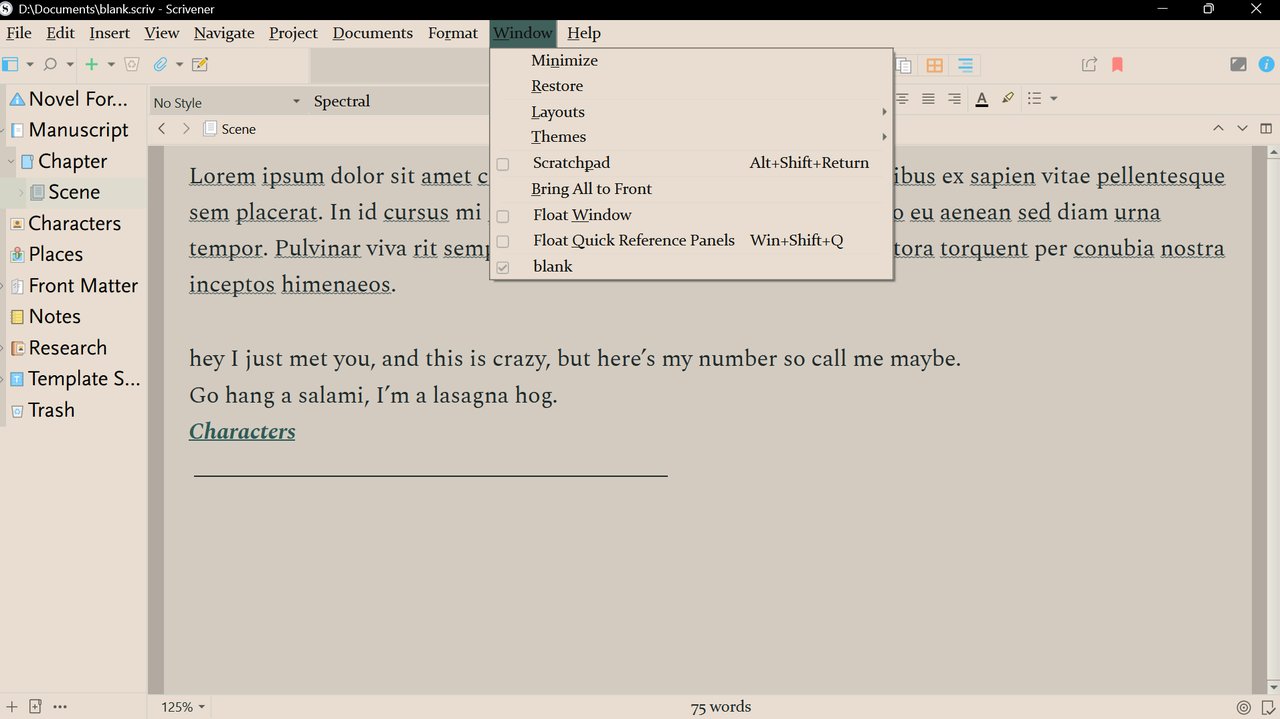
Each theme changes Scrivener's editor, binder, toolbar, and inspector. Here are a few.
Grab the latest release ZIP from GitHub. Pick the Windows or Mac package.
Open Scrivener 3, go to File > Options > Appearance > Themes, and import the theme file.
Select your new theme, restart if prompted, and start writing in a fresh environment.
Finished themes that change Scrivener's drafting atmosphere without building your own theme package from scratch.
Windows themes use .scrtheme files for Scrivener 3. Open the latest release and choose the Windows ZIP.
Mac themes use .stheme files for Scrivener 3. The release includes matching Mac files for every theme.